

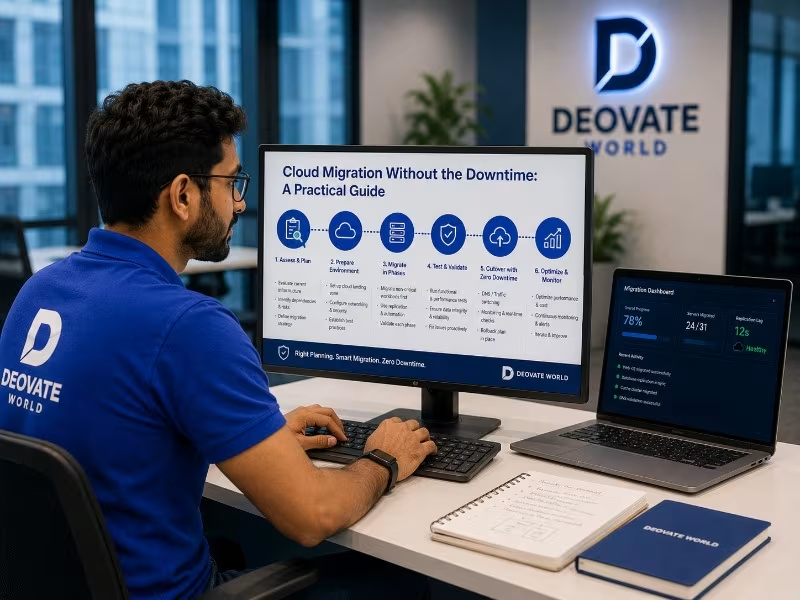

Cloud migration is one of those projects that sounds simple in a planning meeting and becomes genuinely risky the moment it touches a live production system serving real users. The gap between the plan and the actual execution is where most of the painful stories come from, unplanned downtime, data that does not transfer cleanly, integrations that quietly break because nobody accounted for a hardcoded server address somewhere. This article covers the practical steps that actually prevent downtime, based on patterns that repeat across real migrations, not the simplified version that fits neatly on a slide.
Why Migrations Go Wrong
Most failed or painful migrations do not fail because of the cloud platform itself, modern cloud providers are generally reliable and well-documented. They fail because of missing planning, no tested rollback strategy, and an attempt to move everything at once instead of in controlled, verifiable stages. The technical act of moving a server or database is usually the easy part. The planning around it, dependency mapping, sequencing, rollback readiness, is where the actual risk lives, and it is also the part that gets rushed under deadline pressure.
A Practical Migration Sequence
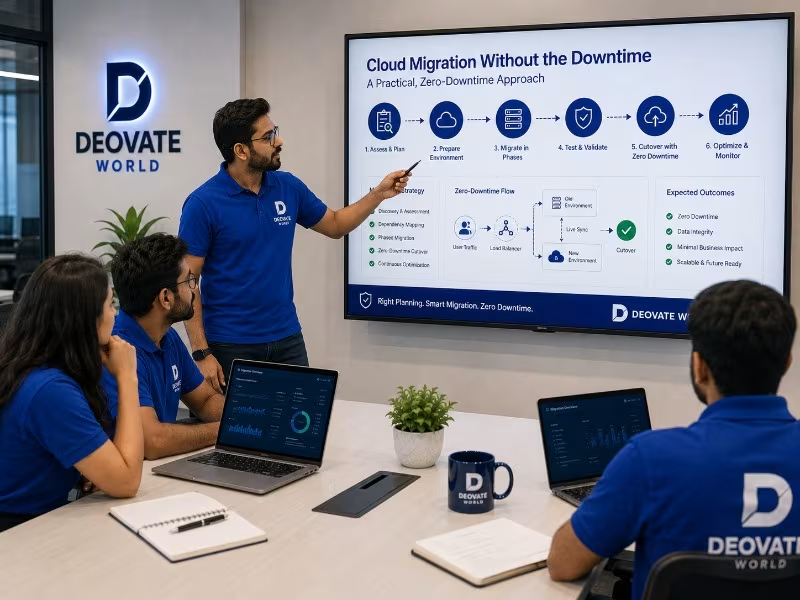
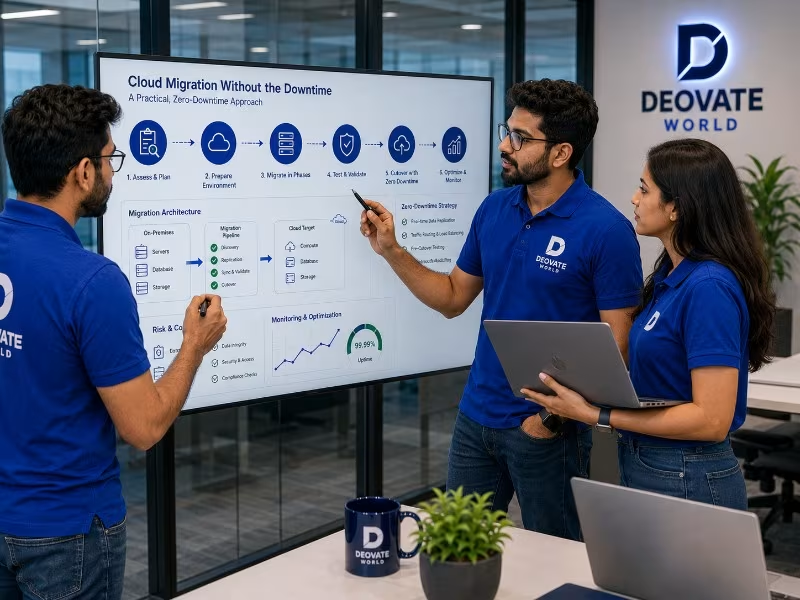
- Audit the current environment fully, every dependency, integration, scheduled job, and data flow, before planning anything else. Skipping this step is the single most common cause of surprise breakage mid-migration.
- Set up the new cloud environment in parallel, without touching the live system yet, so it can be tested and refined without any production risk.
- Migrate non-critical components first to validate the process end-to-end on lower-risk parts of the system before touching anything customer-facing.
- Run both environments in parallel briefly, comparing outputs and behavior to confirm the new setup genuinely behaves identically before cutting over.
- Migrate the critical production workload during a planned, clearly communicated low-traffic window, with the team available and alert.
- Keep the old environment on standby briefly as a rollback option before fully decommissioning it, rather than tearing it down the moment the new one appears to work.
Common Pitfalls and How to Avoid Them
| Pitfall | How to Avoid It |
|---|---|
| No rollback plan | Keep the old environment live and ready until the new one is fully validated |
| Migrating everything at once | Move in stages, starting with lower-risk components |
| Underestimating data transfer time | Test transfer speed early with realistic data volumes, not a small sample |
| No communicated maintenance window | Notify users in advance even for planned, minimal downtime |
| Skipping post-migration monitoring | Watch performance and error rates closely for at least the first week |
The Dependency Mapping Step Most Teams Underestimate
Systems that have been running in the same environment for years accumulate quiet dependencies that nobody remembers documenting, a scheduled script that assumes a specific file path, a third-party integration whitelisted by a specific server IP address, an internal tool that connects directly to a database rather than through a proper API. These are precisely the things that break silently during a migration, because they were never part of the officially documented architecture in the first place. A thorough audit before migration should include actively searching for these hidden dependencies, checking server logs for unexpected connections, reviewing cron jobs, and interviewing team members who have worked closest to the system about anything that \"just works\" without anyone fully understanding why.
Choosing the Right Migration Window
Timing the actual cutover matters more than most teams initially assume. A migration attempted during a business\'s peak traffic period multiplies risk unnecessarily, both because more users are affected by any issue and because the team has less margin to investigate problems calmly under pressure. Identifying a genuine low-traffic window, based on real usage data rather than assumption, and communicating it clearly to stakeholders and, where relevant, customers, reduces both the actual risk and the organizational stress of the cutover itself.
What Post-Migration Monitoring Should Actually Look Like
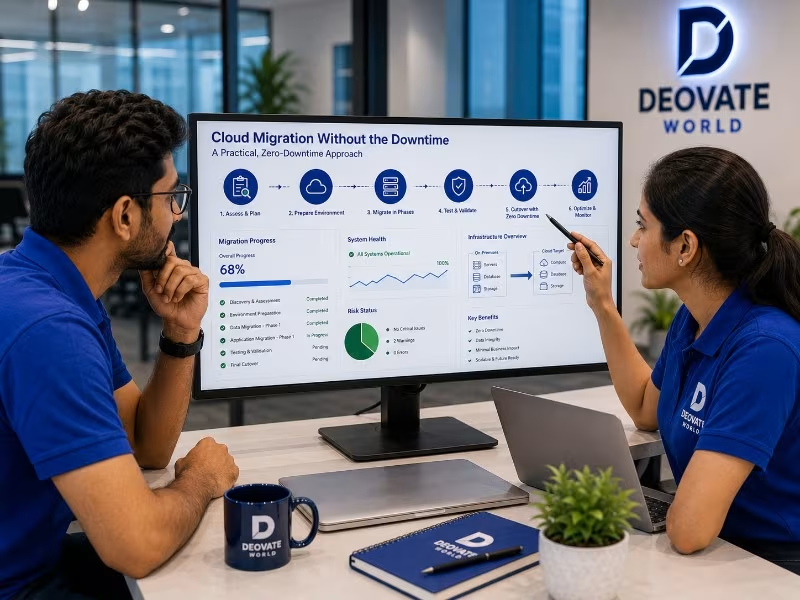
The days immediately following a migration are not the time to consider the project finished and move attention elsewhere. Performance characteristics, response times, error rates, resource utilization, can behave differently under real production load in a new environment than they did during testing, even after careful validation. Close, active monitoring for at least the first week, with a clear escalation plan if anomalies appear, catches the kind of subtle issues that only surface under genuine production traffic patterns rather than staged test scenarios.
The Real Goal
A good migration is measured by how boring it is, no drama, no emergency rollback at 2am, no flood of angry support tickets, no scrambling to explain unexpected downtime to stakeholders. That uneventful outcome is not luck, it is the direct result of unglamorous, methodical planning done properly before a single server is actually touched, and it is worth resisting the pressure to skip or compress that planning phase in the name of moving faster.
Final Thought
The cost of doing a migration properly, in time and planning discipline, is almost always smaller than the cost of recovering from a migration that went wrong in production. Treat the planning phase as the actual project, and the cutover itself as the easy part it should be by the time you get there.




Be the first to comment on this article.