

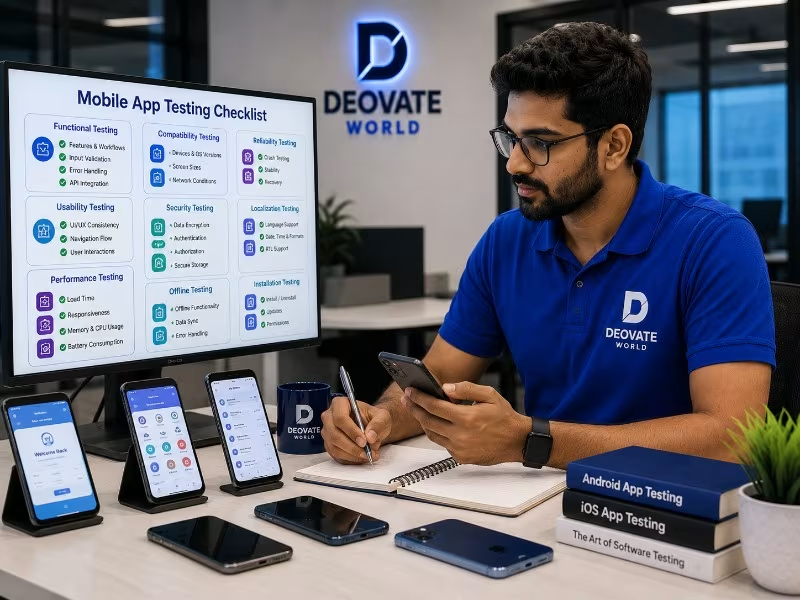

Most mobile app testing quietly happens on one phone, the developer\'s own device, on a fast, stable office wifi connection, which is precisely the environment least representative of how most real users will actually experience the app. This gap between how apps get tested and how they get used is where a large share of one-star reviews originate, not from fundamentally broken features, but from an app that was only ever validated under ideal, unrepresentative conditions.
Why Device Diversity Actually Matters
Android alone spans an enormous range of manufacturers, screen sizes, operating system versions, and hardware capabilities, and a feature that behaves perfectly on a recent flagship device can behave noticeably differently on a mid-range or older phone still actively used by a meaningful share of any real user base. iOS has less device fragmentation but still spans several actively used OS versions and screen sizes, each of which can surface layout or performance issues invisible on the newest device with the newest OS installed.
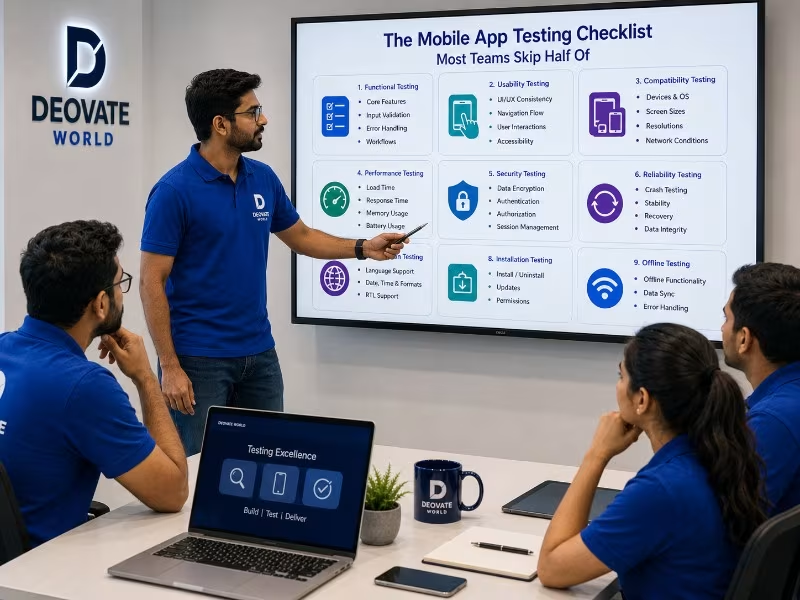
The Checklist Categories Most Teams Under-Test
- Network conditions. Testing exclusively on fast wifi hides how the app behaves on slow mobile data, intermittent connectivity, or a connection that drops mid-request, which is a common real-world scenario for mobile users.
- Interruptions. Incoming calls, notifications, low battery warnings, and app-switching mid-task all need to be tested, since these interruptions happen constantly in real usage and can leave an app in an unexpected state.
- Permissions handling. What happens when a user denies camera, location, or notification permissions, does the app degrade gracefully or does it break in a confusing way.
- Background and resume behavior. Does the app correctly restore its state when a user switches away and back, or does it lose progress and force them to start over.
- Storage and memory constraints. Older or budget devices with limited storage and memory can behave very differently under load than a well-resourced test device.
- App store update behavior. Testing the actual upgrade path from an older installed version, not just fresh installs, since existing users experience updates, not clean installs.
Device and Scenario Coverage Table
| Test Category | Commonly Skipped Because | Real-World Risk |
|---|---|---|
| Low-end device performance | Team only owns newer devices | Slow or crashing app for a real user segment |
| Poor network conditions | Office wifi is always fast | Failed requests with no graceful handling |
| Interrupted sessions | Rarely happens during a quick test | Lost user progress, frustrated re-entry |
| Permission denial flows | Testers usually accept all permissions | Confusing dead ends for privacy-conscious users |
| Update path from old version | Testing usually uses fresh installs | Broken experience for existing user base |
Why Real Device Labs Matter More Than Simulators
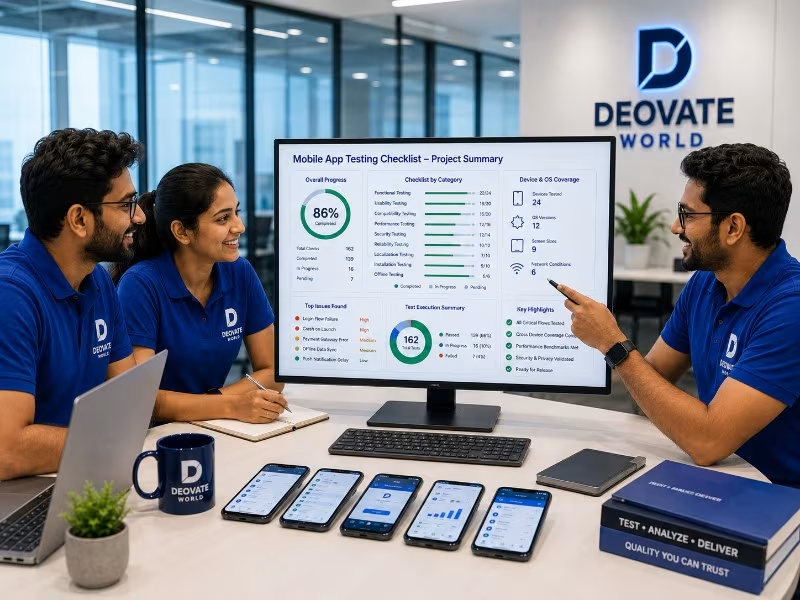
Simulators and emulators are genuinely useful for fast iteration during development, but they do not perfectly replicate real hardware behavior, particularly around performance under load, camera and sensor behavior, and how the operating system manages memory and background processes on an actual device. A thorough pre-release testing pass should include a spread of real physical devices, spanning different manufacturers, OS versions, and price tiers, not exclusively simulator-based testing, since the gap between simulated and real-device behavior is exactly where certain classes of bugs hide.
App Store Review Signals Worth Reading Carefully
Once an app is live, one-star reviews mentioning crashes, slowness, or specific broken features are a direct, if unpleasant, source of real-world QA data that no internal testing process fully replaces. Reading these reviews carefully, looking for patterns around specific device models, OS versions, or usage scenarios mentioned repeatedly, often reveals exactly the blind spots that internal testing missed, and should feed directly back into the testing checklist for future releases rather than being treated purely as reputation management.
Building This Into an Ongoing Process
None of this needs to happen manually and exhaustively for every single release. Automated testing frameworks can run core scenarios across a matrix of device and OS combinations without requiring a human tester to manually work through each one every time, reserving manual exploratory testing for new features and genuinely novel scenarios. The goal is building a testing process proportional to actual risk and real device usage data, not testing every possible combination exhaustively forever, which quickly becomes impractical and gets abandoned under time pressure.
Final Thought
An app that only gets tested on the newest flagship device with perfect connectivity is being validated against a version of reality most of its actual users do not live in. Closing that gap, deliberately testing under realistic, imperfect conditions, is one of the highest-leverage investments a mobile team can make in overall app store rating and long-term user retention.
Be the first to comment on this article.