

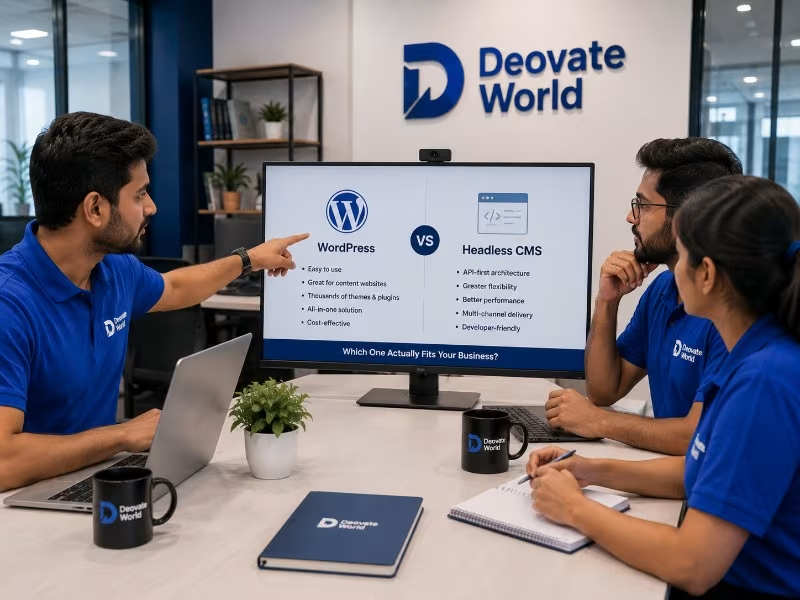

This comparison comes up constantly among businesses planning a new website or reconsidering an existing one, and most explanations of it get too technical too quickly, diving into architecture diagrams before actually answering the business question underneath it: which one will make your team\'s life easier and your content genuinely more effective. This article answers that directly, in plain terms, before getting into the technical distinctions that actually matter for the decision.
What Each One Actually Is, in Plain Terms
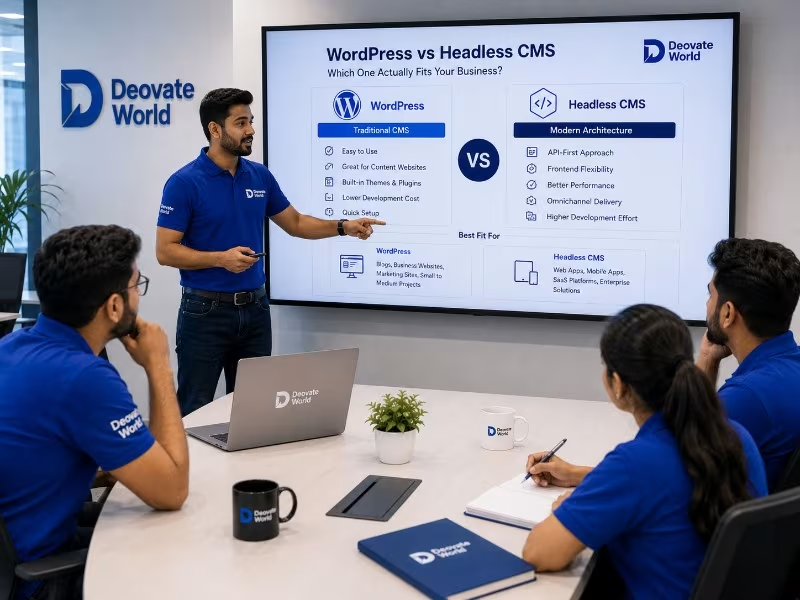
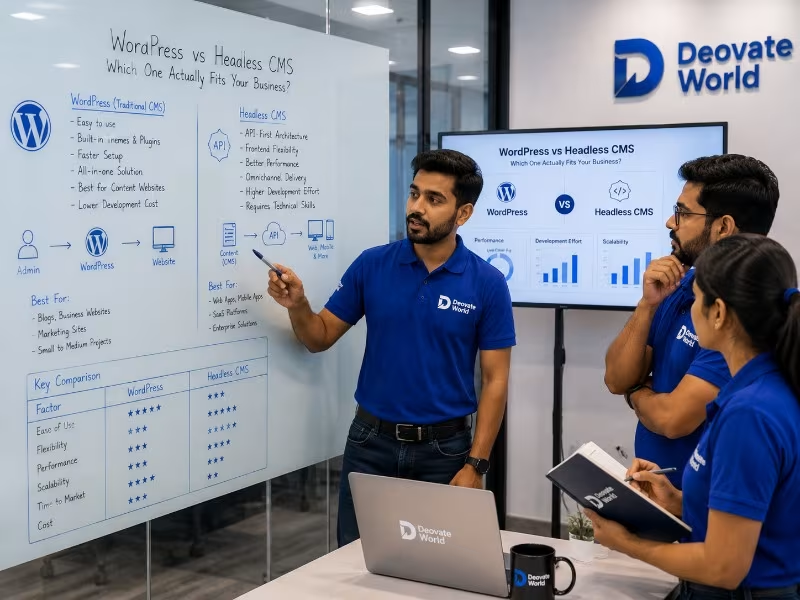
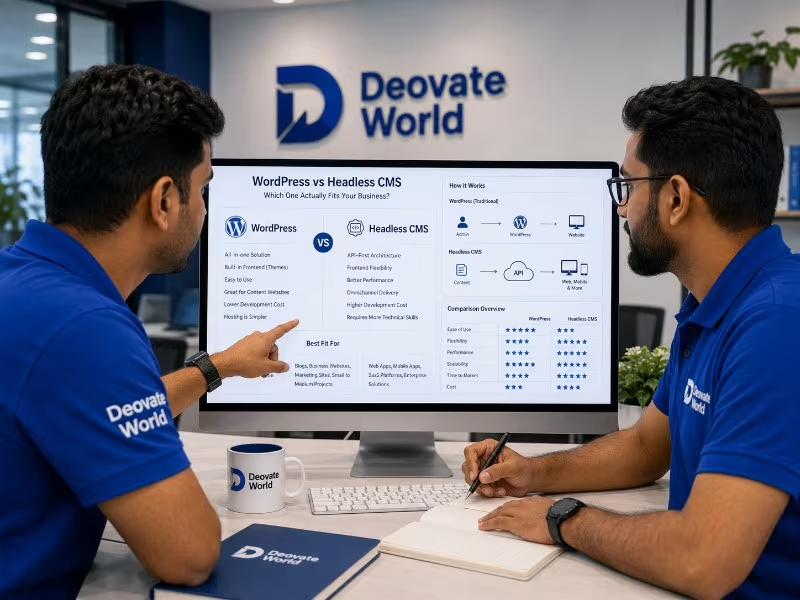
WordPress bundles your content and your website\'s visual presentation together in one system, you edit a page and see it live in roughly the same place, all managed within one familiar interface. A headless CMS separates the content entirely from how it gets presented, your content lives in one central hub, and it gets pushed out programmatically to a website, a mobile app, or any other channel that needs it, each with its own independently built front-end presentation layer.
When WordPress Is the Right Call
- You have a single website and no immediate, concrete plans for a mobile app or other separate content channel
- Your team wants a familiar, visual editing experience without needing developer support for every routine content change
- You need access to a large, mature ecosystem of existing plugins for specific functionality without custom development
When a Headless CMS Is the Right Call
- Your content genuinely needs to power more than one channel, a website and a mobile app, for example, from a single source
- Your front-end needs to be built with a specific modern framework for performance, interactivity, or design flexibility reasons
- You are planning meaningful growth into new digital channels over the next few years and want content architecture ready for that
Direct Comparison
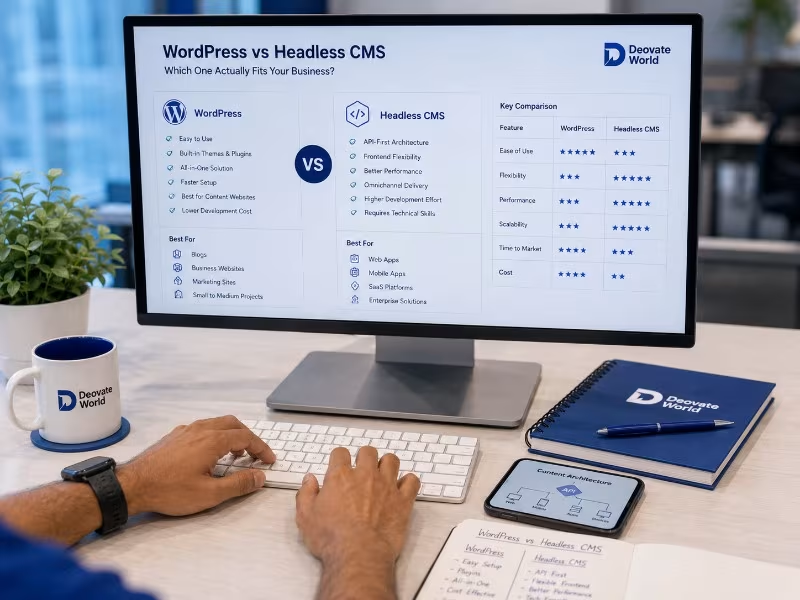
| Factor | WordPress | Headless CMS |
|---|---|---|
| Ease of Use for Non-Technical Teams | High | Moderate, depends on setup |
| Multi-Channel Content Delivery | Limited | Built for this |
| Front-End Design Flexibility | Good, within theme limits | Very high, fully custom |
| Setup Complexity | Low | Higher, requires more initial development |
| Best For | Single website, content-heavy sites | Multi-channel products, custom front-ends |
The Misconception That Headless Is Simply \"Better\"
A common misconception in technical circles is that headless architecture is a strict upgrade over traditional WordPress, more modern, more flexible, therefore inherently the smarter choice. This framing ignores the actual tradeoffs involved. Headless setups typically require more upfront development investment, a separate front-end build, custom integration between the content layer and the presentation layer, and often a steeper learning curve for content editors used to a more visual, WYSIWYG-style editing experience. For a business running a single, fairly standard website, that additional complexity buys real-world benefits it may never actually use.
What Content Teams Actually Feel Day to Day
The architectural decision matters less to most stakeholders than how it feels to actually use the system daily. WordPress content editors generally get a visual, page-builder-like experience close to what the published page will look like. Headless CMS editors typically work in a more structured, form-based interface, entering content into defined fields without seeing an exact visual preview unless the team has specifically built one. Neither is objectively better, but the mismatch between what a content team expects and what a chosen system actually delivers is a common, avoidable source of frustration after launch, so this is worth testing with actual content editors before committing to either path, not deciding purely on developer preference.
A Middle Ground Worth Knowing About
Some modern WordPress setups can function in a semi-headless way, using WordPress as the familiar content editing backend while a separate, faster front-end consumes that content through an API. This can offer a practical middle ground for teams who want the familiar editing experience their content team already knows, combined with more front-end flexibility than a traditional theme-based WordPress site typically allows. It is not the right fit for every situation, but it is worth knowing this option exists rather than assuming the choice is strictly binary.
The Honest Recommendation
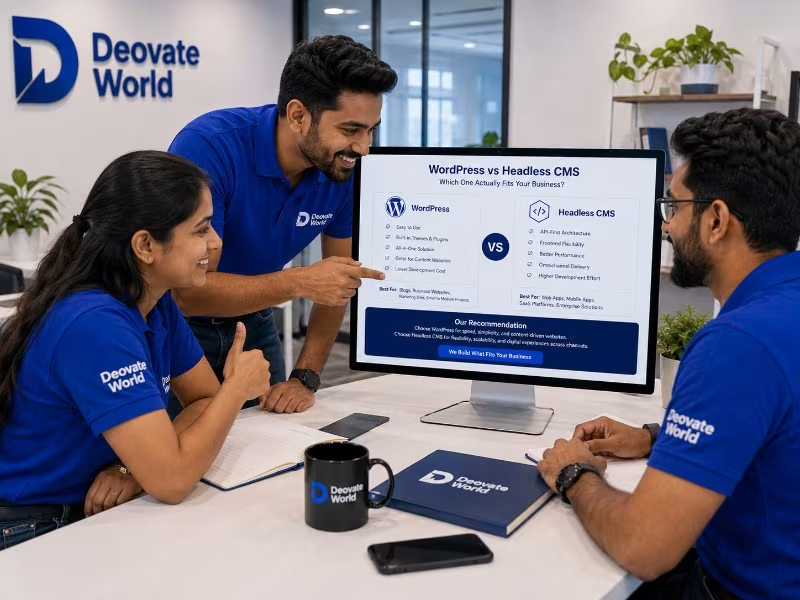
If you are running a single, fairly standard website without concrete near-term plans for additional content channels, WordPress remains a genuinely strong, well-supported choice, not a compromise or a dated fallback. Reach for a headless CMS specifically when your content ambitions have genuinely outgrown a single channel, or when your design and performance requirements demand front-end flexibility a traditional theme cannot provide, not simply because headless sounds more modern in a conversation.
Final Thought
The right CMS choice should be driven by your actual content strategy over the next few years, not by which architecture happens to be trending in developer discussions. Start from your real distribution needs, and the right platform usually becomes obvious.
Be the first to comment on this article.